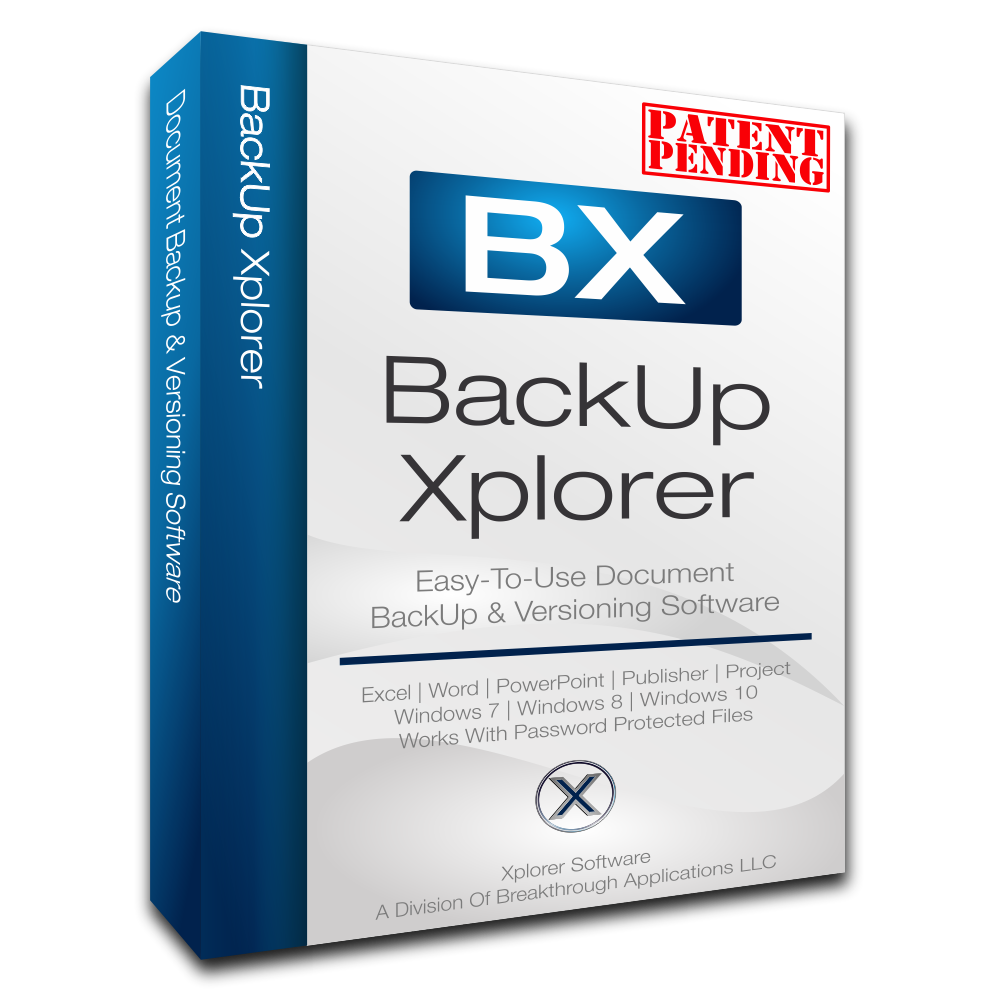
BackUp Xplorer by Breakthrough Applications
BackUp Xplorer is a specialized utility tool designed to eliminate the risk of lost work or overwritten files for Microsoft Office documents. It enables users to create an unlimite...

WinMerge is an open-source differencing and merging tool designed to help businesses and developers visually compare and contrast different versions of text-based files and directories. It effectively highlights changes, additions, and deletions across project versions, facilitating easy identification of code or content modifications. The platform also provides robust merging capabilities, allowing users to reconcile differences and combine multiple text files into a cohesive final version. Its intuitive interface and detailed visualization make managing file revisions and collaborative edits significantly more manageable and error-free. WinMerge is ideal for software developers, web designers, system administrators, content managers, and any techni...
WinMerge is ideal for software developers, web designers, system administrators, content managers, and any technical professional who needs to compare source code, configuration files, documentation, or other text-based assets. It is especially useful for teams managing multiple branches of a project or individuals auditing changes over time.
As a free, open-source tool, WinMerge delivers exceptional value with its powerful comparison and merging features. It is a reliable, fast, and indispensable utility for version analysis and file synchronization, making it a staple in many development and IT toolkits despite the availability of more complex commercial alternatives.
Ratings in this section summarize available rating data. Software reviews are shown separately when users submit reviews.
WinMerge is ideal for software developers, web designers, system administrators, content managers, and any technical professional who needs to compare source code, configuration files, documentation, or other text-based assets. It is especially useful for teams managing multiple branches of a project or individuals auditing changes over time.
These are common features buyers compare in Document Version Control Software. Product-specific availability should be confirmed with the vendor.
Control user entry and feature availability through role-based permissions and secure credentials.
Optimize and govern the authorization workflow to ensure the right stakeholders provide approvals during task execution.
The secure storage of inactive data for long-term retention and regulatory compliance.
Maintain a chronological record of system changes including specific timestamps for accountability.
Add visible remarks and annotations to shared documents for collaborative review.
Control access to documents by allowing users to check them out for editing and check them back in.
Tailored features for managing engineering drawings, specifications, and project documentation.
Maintain a comprehensive log of all changes made to a document, allowing for tracking and auditing.
Highlight differences between multiple versions of a document or file for easy review and analysis.
Restore a document or file to a previous version, undoing unwanted changes or errors easily.
Pricing not listed
Pricing model: Per Feature
Pricing can change. Confirm current plans and terms with the vendor.
Compare WinMerge with other Document Version Control Software tools that buyers often evaluate.
BackUp Xplorer is a specialized utility tool designed to eliminate the risk of lost work or overwritten files for Microsoft Office documents. It enables users to create an unlimite...

CVS (Concurrent Versions System) is a classic, centralized version control system from the GNU project, designed to help DevOps and development teams meticulously record the comple...

Bazaar is a distributed version control system that allows development teams to track the complete history of software projects and collaborate efficiently. Sponsored by Canonical,...

Cane Help Docs is an add-on software module that integrates with the Exact Synergy enterprise platform to provide centralized, company-specific help documentation accessible direct...

CKEditor is a feature-rich, modern WYSIWYG text editor designed to deliver a powerful and collaborative writing experience. It goes beyond basic editing with advanced capabilities...

FeatherDocs is a streamlined document management, secure storage, and version control tool tailored for the needs of modern businesses and legal teams. It provides a centralized re...

iDOC is a secure, cloud-based Document Management System (DMS) developed specifically for compliance-driven environments, offering robust document version control and comprehensive...

VCE is a graphical user interface (GUI) client for the Subversion (SVN) version control system, engineered to simplify collaboration and change control for technical professionals....
No software reviews have been submitted for WinMerge yet.
Write the first reviewSoftware profiles can include software facts and public catalog information.
Software reviews are submitted by users and moderated before publication.
Claimed vendors can update profile details and respond to reviews.
This profile can include catalog facts, aggregate ratings, submitted software reviews, and vendor profile updates when available.
Claim this profile to update pricing, screenshots, features, and respond to reviews.